
A safety checklist before an AI assistant touches ad accounts

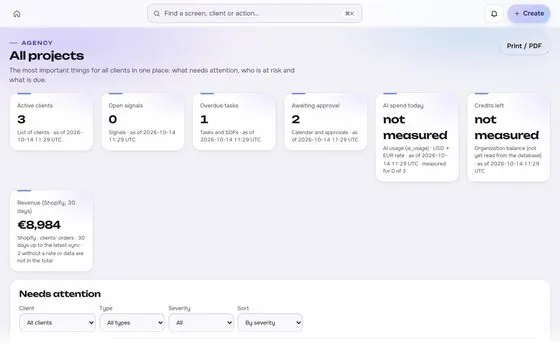
An assistant that can read your accounts is a convenience. One that can write to them is a decision. This checklist separates the two.

Start with read-only

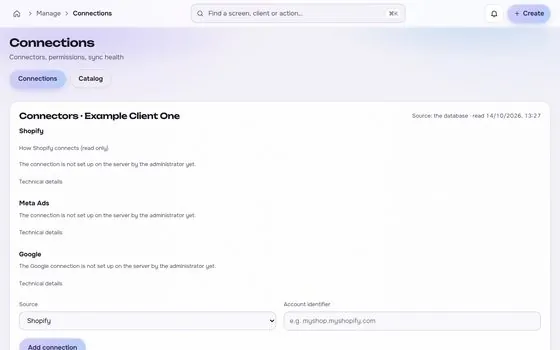
  • Connect with read access first and use it for a few weeks.
  • Confirm the numbers it reports match the platform and the store.

Before allowing any write

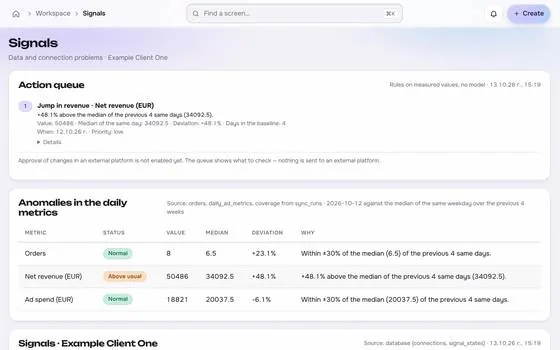
  • Every write waits for a human approval, shown as a preview.
  • New ads start paused.
  • Budget changes have a ceiling the assistant cannot exceed.
  • Retries cannot duplicate a change, which means an idempotency key.
  • Each change is read back from the platform and compared with the intent.

Access and secrets

  • Use the narrowest permissions the task needs.
  • Keep tokens out of chats, prompts and logs.
  • Remove access when the engagement ends.

Records and undo

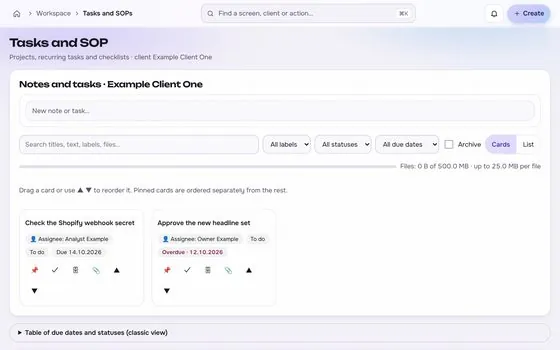
  • Keep an audit trail of requests, approvals and results.
  • Know how each change is undone before you allow it.

Check the answers, too

Ask the assistant where each number comes from. If it cannot name a source, treat the number as unverified.
6 min read. Last updated 2026-10-07. Examples use made-up numbers.

This guide in numbers

6minutes to read
3terms explained
5sections
12related guides

Keep reading

Operations

An approval workflow for changes to live ad accounts

Most expensive mistakes in ad accounts are small edits applied to the wrong thing. A short, boring workflow prevents most of them.

6 min read
Measurement

Why your MER is wrong: currencies, time zones and refunds

Most disagreements between a store and its ad reports are not strategy problems. They are mismatches in how two data sets were cut.

5 min read
Measurement

MER vs ROAS: which number an agency should report

Platform ROAS tells you how an ad platform scores itself. MER tells you how the business did. A client review needs both, clearly labelled.

6 min read
AI and automation

AI assistants and ad accounts: read, propose, apply

Connecting an assistant to an ad account is easy. Deciding what it may do without asking is the part that needs a rule.

7 min read
AI and automation

MCP permissions for agencies: a practical model

The question is not whether to let assistants near client accounts. It is which hands they get and who signs off.

7 min read
Operations

A client approval checklist for ad launches

Client approval goes wrong in the same ways: the wrong version is approved, the answer lives in a chat, and nobody can say later what was agreed.

6 min read
Operations

How to read back a change to an ad account

A success message from an API only says the request was accepted. A read-back says what the account looks like now.

5 min read
Operations

A process for requesting access to client ad accounts

Every login an agency holds is a risk and a responsibility. A written request, a named approver and a planned removal keep the list short and explainable.

5 min read
AI and automation

Reviewing AI generated ads before they reach a client

AI tools make drafts quickly, and a draft can be wrong in ways that look convincing. The review checks facts, brand, people and rights before an ad goes out.

6 min read
AI and automation

Brand safety checklist for AI generated and AI assisted ads

AI tools speed up drafts and account work, and each one adds a way for a brand to be harmed. This checklist is short enough to run every time.

5 min read
AI and automation

A review loop for AI drafts before they reach a client

An AI draft is a starting point, not a finished deliverable. A fixed loop makes sure a person checks the claims, the numbers and the tone before anything reaches a client.

6 min read
AI and automation

An AI usage policy for an agency: what staff may and may not do

Most AI mistakes in agencies are small: a client file pasted into the wrong tool, or an AI-written change that nobody checked. A short policy stops both.

6 min read
Built for shop owners, creators and agencies. Stock photos, not customers.

Run the next client review from one screen.

We open one agency at a time, with your own accounts connected read-only first.

Request access

How we plan to price it