
 WordPress

 GA4
GA4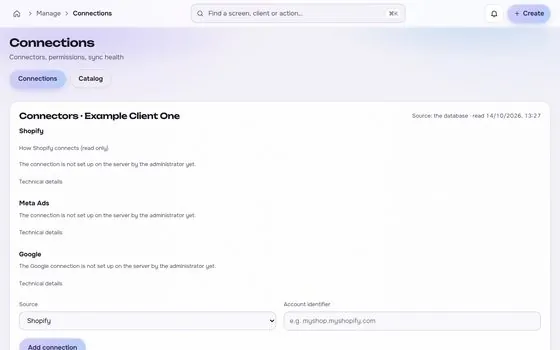




What the store provides
- Orders, refunds and order values, which feed MER and average order value.
- Product costs and shipping, which you enter once per product group to calculate contribution margin and break-even ROAS.
- The UTM parameters on links from ads, which tell analytics where a visit came from.
How each connection reads and writes is on the Shopify integration page. Connections start read-only.
How the work is organised
- One client record holds the store, its ad accounts and the approved naming pattern.
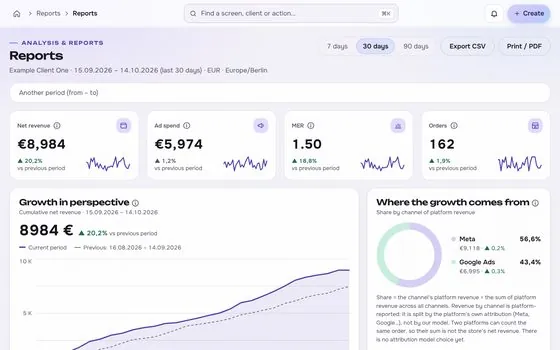
- MER is the headline, with platform figures as support. Each figure carries its source and formula.
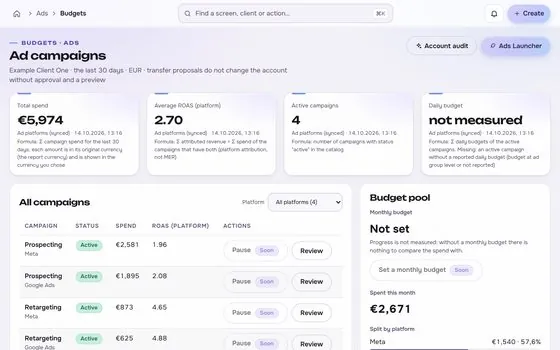
- Budget and status changes are proposed, previewed and approved before they are sent to the ad platform.
Watch for these
- Currency and time zone differences between the store and the ad accounts. They are the usual reason MER disagrees with the platforms.
- Refunds: decide whether revenue is net or gross, and use the same rule in every month.
- Discounts and bundles: the order value you report must match what the store actually charged.
A typical first month
- Week one: connect read-only, check the order counts against the ad platforms, and write the definitions down.
- Week two: enter product costs, calculate break-even ROAS for the top product groups, and agree the naming pattern.
- Week three onward: review creatives weekly, and propose budget changes only with the break-even line in view.