






Google Search Console integration

Search Console data appears on the dashboard. Deeper SEO analysis comes from Rankfinity, not from a second engine.
Stock photos and example labels, not customers.

How the data moves

From Google Search Console to your report. Back only with a yes.

The top row is reading, which is all a new connection does. The bottom row is writing, switched on per account only after you grant the rights.

  1. Google Search ConsoleReads search Analytics
  2. 🔑Token vaultRead-only token, encrypted on the server
  3. One recordStored per client, with currency and time zone kept
  4. ▦Your reportSource, formula and sync time on every number
  5. ✎ProposalA change such as: very few write operations apply
  6. ✓Preview and yesBefore and after, then a person with the right role approves
  7. ⎙Written onceAn idempotency key, so a retry cannot repeat the change
  8. ↻Read back, loggedGoogle Search Console is read again, compared and logged
Read: on by default, read-onlyWrite: off until you grant it, then every change needs approval

Google Search Console in daily use

01

What it reads first

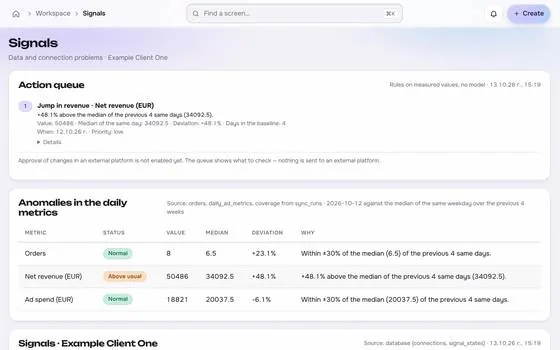
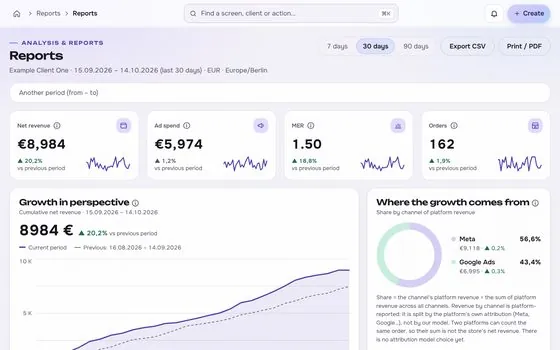
Search Analytics

What it reads first, shown on an app screen with test data
02

What it can change, after a yes

Very few write operations apply

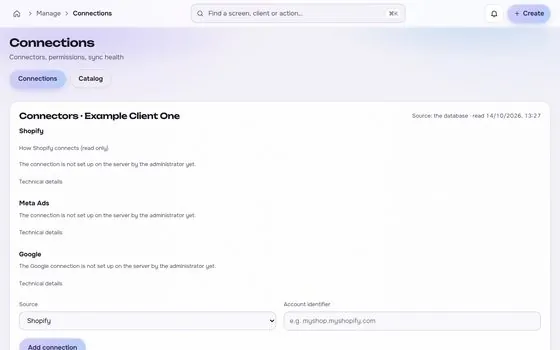
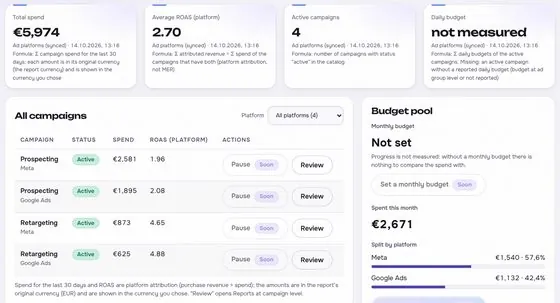
What it can change, after a yes, shown on an app screen with test data

Photos are stock images. App screens show test data.

In numbers

2things it reads
1things it can change, after approval
1things you need to connect
1limits stated

Google Search Console: reads, writes and limits

  • Search Analytics
  • Sites and properties
  • Very few write operations apply

Always after preview and approval.

  • Google OAuth with rights on the property
  • Search Analytics has its own sampling and delay.

Before you connect

Your ticks stay in this browser only.

Common data differences

General practice, not a claim about any one account.

Difference

Data delay and recent days

Search data often arrives with a lag, and recent days look incomplete. Numbers can also shift after a later update. Compare closed periods only, and say in the report which dates are still settling.

Difference

Hidden queries and filters

Some queries can be left out for privacy, so a list of queries may add up to less than the total. A country, device or page filter also changes the figures shown. Check the filter before you compare totals.

Difference

Clicks in search and visits in analytics

A click in search is not the same as a visit in analytics. Redirects, slow pages, consent choices and blocked scripts can make analytics count fewer visits. The two tools measure different steps of the same journey.

Questions about Google Search Console

Is the Google Search Console connection read-only?

It starts read-only. Changes are added only where the platform grants the permission, and each one is previewed, approved, sent once, read back and logged.

Where is the token stored?

In an encrypted vault on the server, never in the browser, in logs or in an AI prompt.

Is the Google Search Console connector available now?

Not yet. It goes live after the platform access is in place. Request access to be told when it does.

Built for shop owners, creators and agencies. Stock photos, not customers.

Run the next client review from one screen.

We open one agency at a time, with your own accounts connected read-only first.

Request access


How we plan to price it