An AI studio that keeps every version and its cost

Go from a brief to concepts, images, storyboards and short video jobs. Every version stores its prompt, model, parent asset, usage rights and production cost.

app.roasfinity.com/create/ai-studio
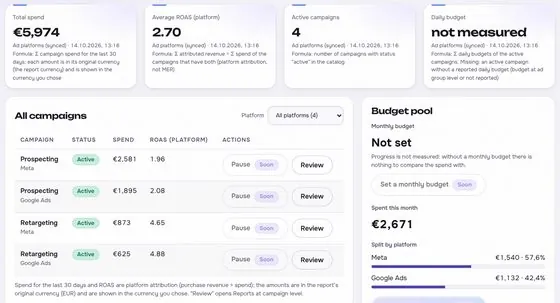
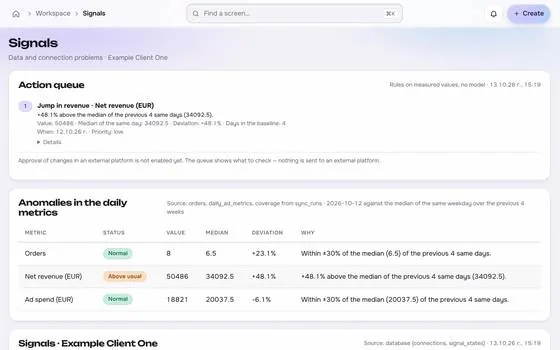
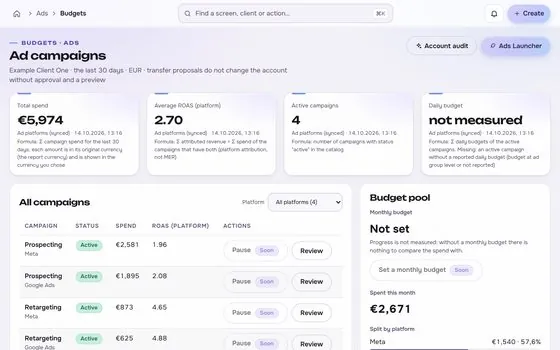
AI studio screen in the ROASfinity app, with test data

Floating cards and figures are examples on sample data, not a customer account.

1The proof

Every number comes with its receipt.

Sample data, fictional brand. This is how AI studio shows a figure: the value, where it came from, the formula behind it and when it was last updated.

AI studioSample data, fictional brand
Variant AImage 1:1Source and formulaModel and prompt stored, cost shown before startUpdatedsee source
Variant BVideo 9:16Source and formulaJob 2 of 3 runningUpdatedsee source
ChecksText legible, product matchesSource and formulaAwaiting human choiceUpdatedsee source

Rule: every number shows its source, formula and update time. A missing source reads "not measured", never 0.

2Part of Create

AI studio: what it does.

One of four areas of the product, sharing the same client record, roles and log.

01

The product photo stays untouched

Your product image is an unchangeable reference, because generators often alter packaging and labels.
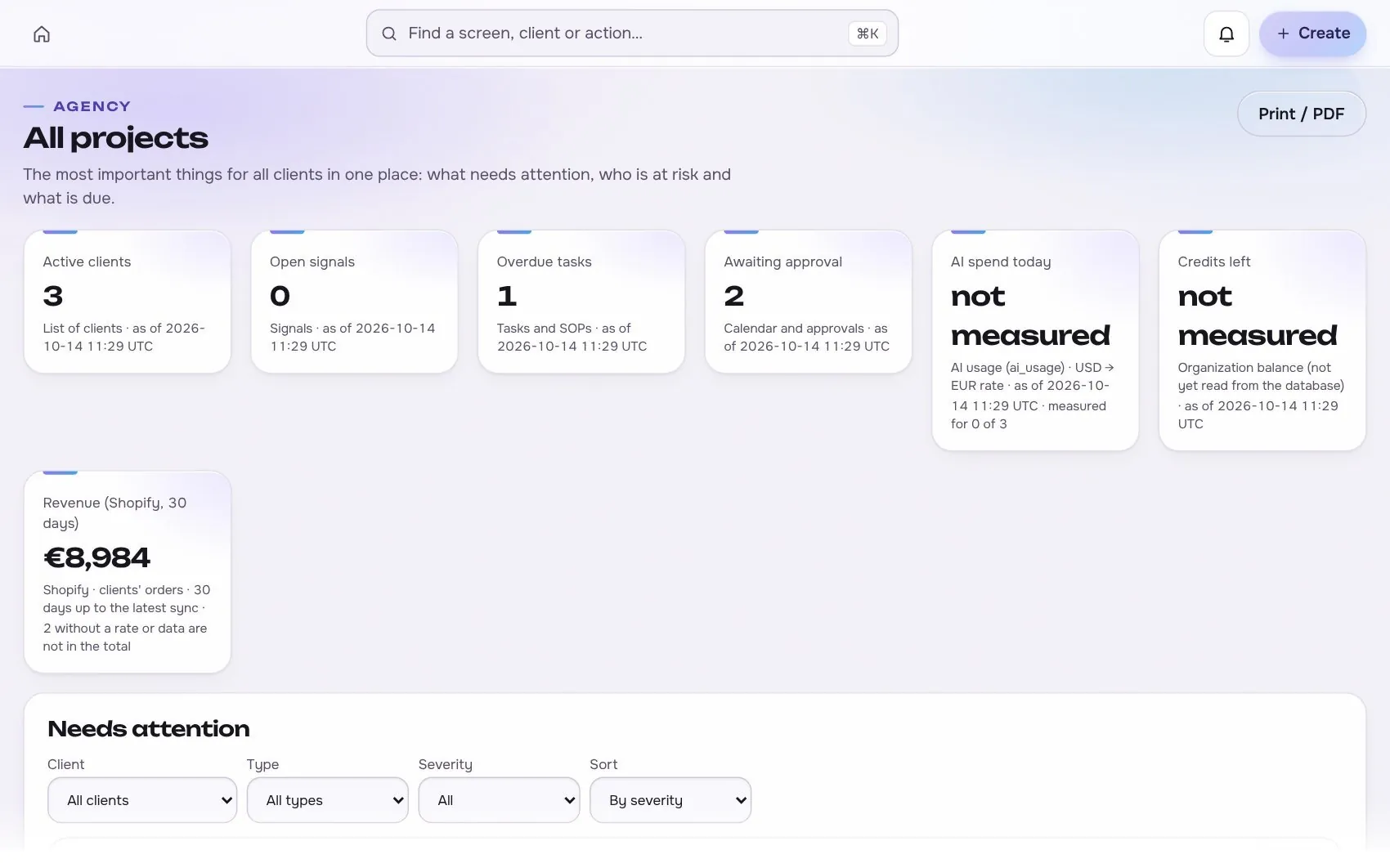
AI studio in the app, with test data
02

Automatic checks before a human looks

Aspect ratio, resolution, legible text, product similarity and the landing URL are checked, then a person chooses.

03

Cost and status visible

Each job shows its price before it starts and its status while it runs, with limits per client.

Works with

2 platforms, read-only first

Connections start read-only. Writing is switched on per account, only after you grant the rights.
At a glance

Stated up front

things it does
3
steps start to finish
4
platform connections
2
limits stated
2
3The data path

How the data moves. Source to screen.

Lines draw as you scroll. Platforms on the left are read-only first, AI studio sits on the one client record, and each output keeps its receipt.

Meta AdsBuilt
Google WorkspaceRead-only first
ROASfinityAI studio
The product photo stays untouched
Automatic checks before a human looks
Cost and status visible

Sources are read first, the numbers are stored once per client, and every output shows its source, formula and update time.

How the work moves in Create

The same four moves apply to every module in this area.

  1. 1 BriefFrom real signalsComments, results and research feed the brief, with the source kept.
  2. 2 GenerateVersions keptEvery prompt, model, version and cost is stored and comparable.
  3. 3 ReviewComment and approvePeople review in the same place the work lives, with roles.
  4. 4 Hand offNever publishes itselfOutput goes to launch as a proposal, not straight to a live account.
4The routine

How it works, step by step.

From first connection to the number a client sees.

  1. 1

    Brief

    Start from a brief with the product, angle, offer and rules.

    AI studio app screen with test data
    Step 1Briefexample
  2. 2

    Concepts and drafts

    Generate three to ten concepts, then images and storyboards.

    Step 2Concepts and draftsexample
  3. 3

    Video jobs

    Short clips run asynchronously, then are selected, joined and exported for each placement.
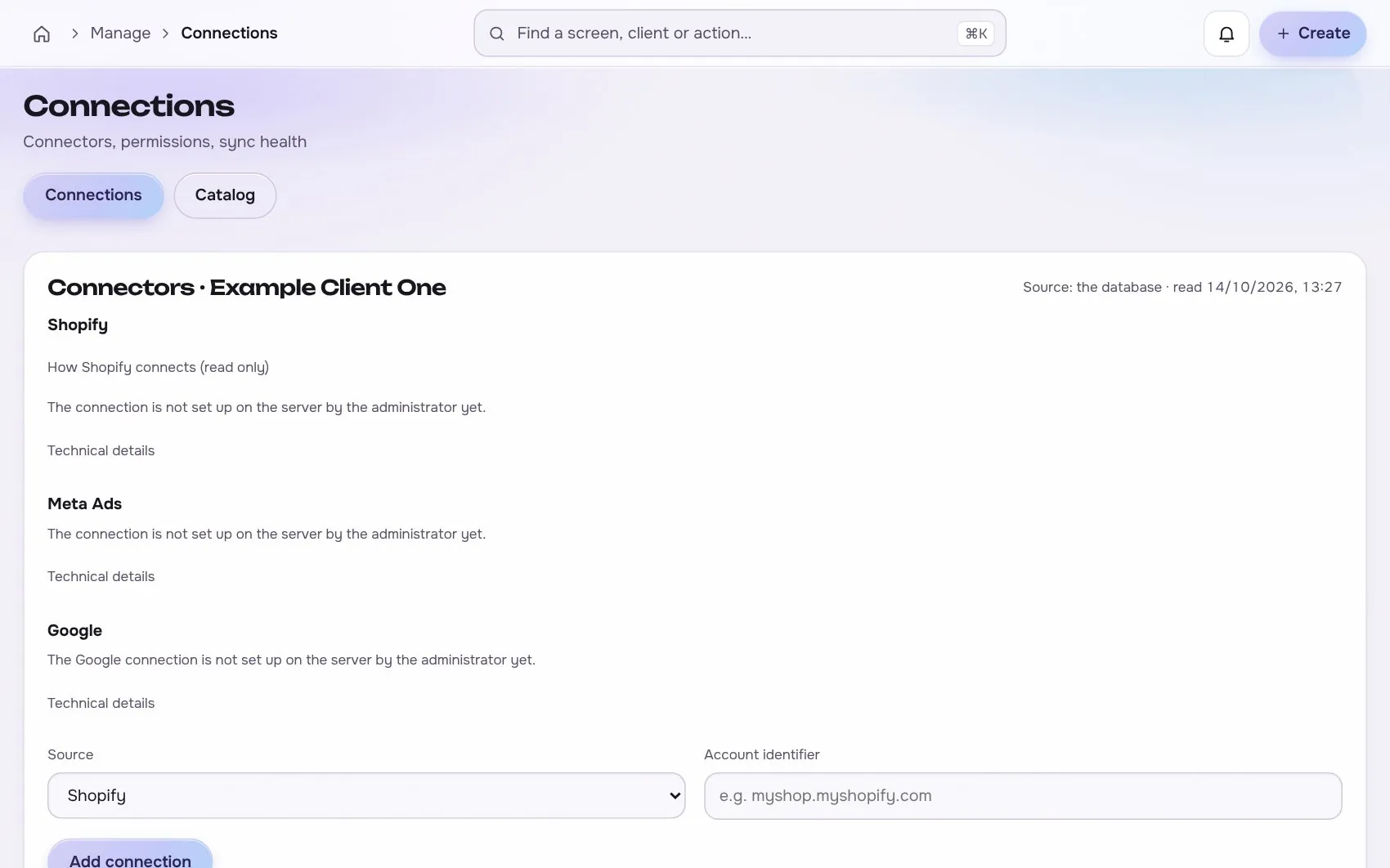
    AI studio app screen with test data
    Step 3Video jobsexample
  4. 4

    Choose and export

    A person picks the winners and exports for each channel.

    Step 4Choose and exportexample
5In use

Built for businesses like these. Example scenes.

Photos are stock images that show the kind of business this is built for. They are examples, not customers.

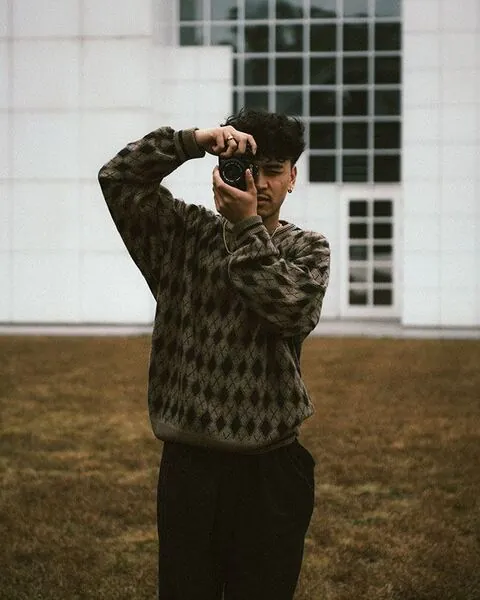
Examplea creator studio
Examplea small team
Examplea cafe or local shop

Stock photos and example labels, not customers.

6In practice

Common mistakes, and a short checklist.

General practice for this kind of work, not a claim about any one tool.

Mistake

Publishing AI output without a human review

Generated copy and images can state prices, results or features that the client cannot prove. A person checks every claim against the client's own evidence before anything goes live.

Mistake

Losing the prompt and the settings

A result that cannot be reproduced cannot be improved or explained. Save the prompt, the model, the brief and the version with every asset.

Mistake

Making many variants with no test plan

A batch of new images gives a pile of opinions, not an answer. Decide what each variant tests before anything is generated.

A short checklist

Your ticks stay in this browser only.

7Honest limits

What it will not claim, and what it works with.

What it will not claim

  • Generative models make mistakes in labels, faces and claims, so a media job never becomes an approved ad by itself.
  • Realistic people with a consistent look and a readable product label often need review and retries, and the budget allows for failed variants.

Works with

Connections are read-only first and go live only after the platform access is approved.

Built: the connector exists in the product and goes live per account once access is granted. Planned: not built yet.

Used instead of

Teams often use tools such as Atria for this. Our comparison pages are drafts being verified.

9FAQ

Questions about ai studio.

Which models does it use?

Providers sit behind an adapter, so models can change without changing your data or workflow.

Who owns the outputs?

Each asset records its parent, model and usage rights, so it is clear what may be used where.

Does it publish anything?

No. Publishing goes through the launcher and approvals, never straight from a generation job.

Run the next client review from one screen.

We open one agency at a time, with your own accounts connected read-only first.