Ad research built on official ad libraries

Follow competitors by page, country or keyword, keep a snapshot of the available metadata and a link to the original, and group what you find by message, hook, offer and format.

app.roasfinity.com/create/ad-research
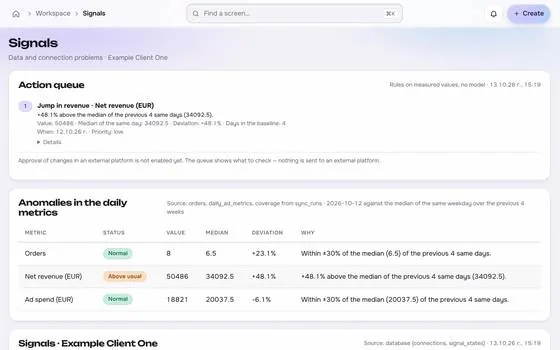
Ad research screen in the ROASfinity app, with test data

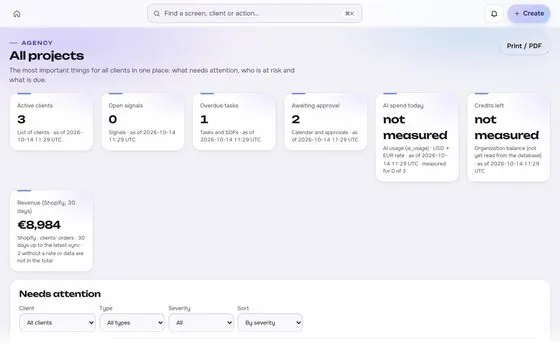
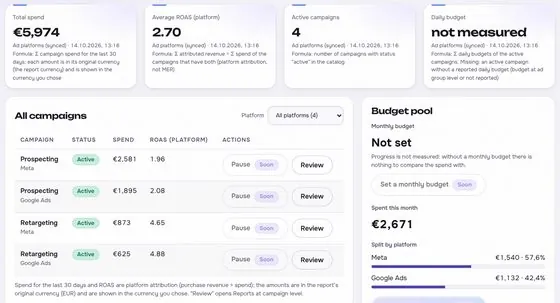
Floating cards and figures are examples on sample data, not a customer account.

1The proof

Every number comes with its receipt.

Sample data, fictional advertisers. This is how Ad research shows a figure: the value, where it came from, the formula behind it and when it was last updated.

Ad researchSample data, fictional advertisers
Advertiser ARunning 62 daysSource and formulaHook: question, offer: first orderUpdatedsee source
Advertiser BNew variant todaySource and formulaVideo 9:16, UGCUpdatedsee source
Spend and ROASNot availableSource and formulaLibraries do not publish themUpdatedsee source

Rule: every number shows its source, formula and update time. A missing source reads "not measured", never 0.

2Part of Create

Ad research: what it does.

One of four areas of the product, sharing the same client record, roles and log.

01

Watchlists and new variants

Get notified when a watched advertiser launches a new variant or keeps an ad running for a long time.
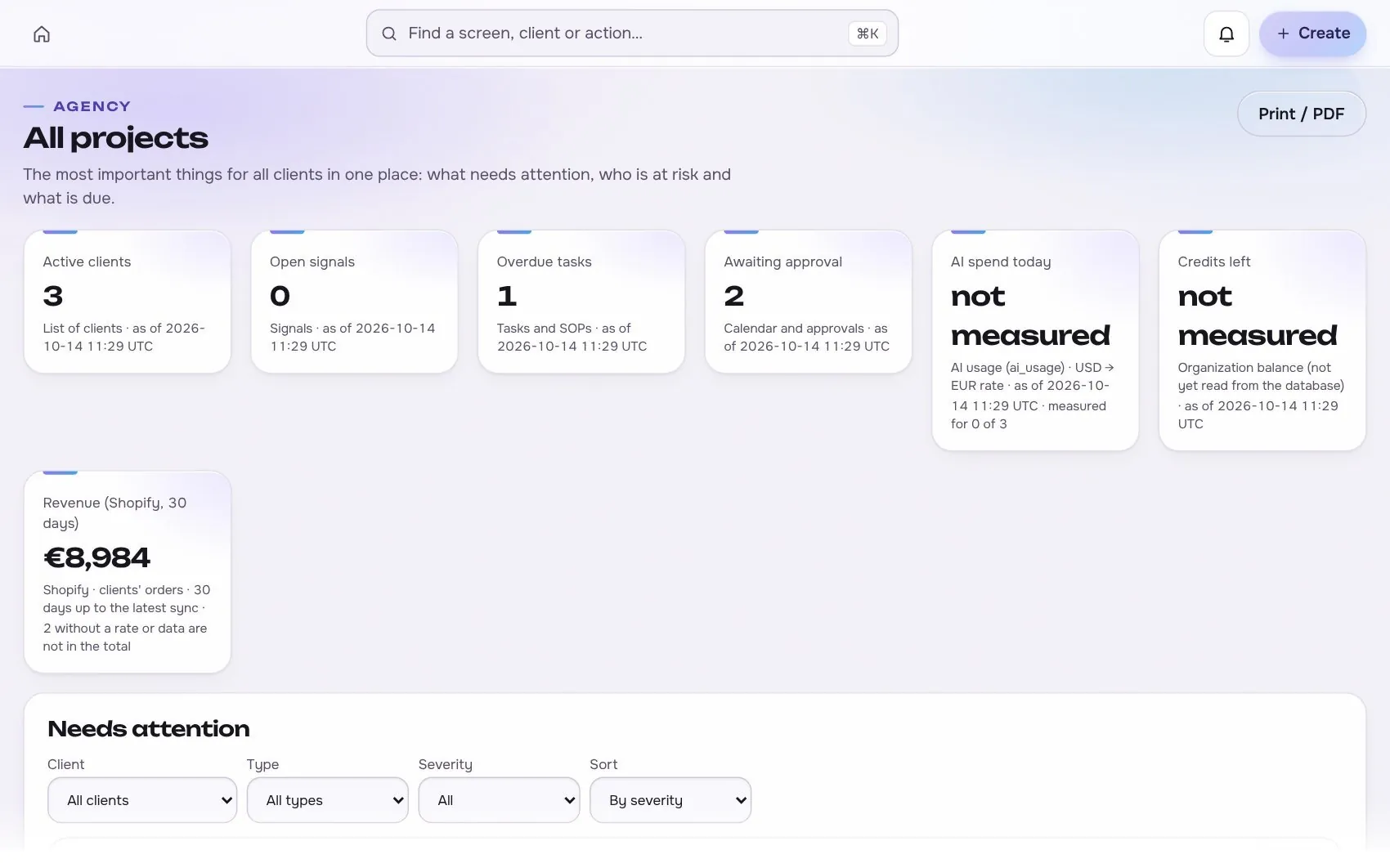
Ad research in the app, with test data
02

Coverage stated per source

Every source has its own coverage field, so you know what an absence does and does not mean.

03

Straight to a brief

Send an example, or one added by hand from another market, to a brief for your own ideas.

Works with

3 platforms, read-only first

Connections start read-only. Writing is switched on per account, only after you grant the rights.
At a glance

Stated up front

things it does
3
steps start to finish
4
platform connections
3
limits stated
3
3The data path

How the data moves. Source to screen.

Lines draw as you scroll. Platforms on the left are read-only first, Ad research sits on the one client record, and each output keeps its receipt.

Meta AdsBuilt
TikTok AdsPlanned
Google AdsBuilt
ROASfinityAd research
Watchlists and new variants
Coverage stated per source
Straight to a brief

Sources are read first, the numbers are stored once per client, and every output shows its source, formula and update time.

How the work moves in Create

The same four moves apply to every module in this area.

  1. 1 BriefFrom real signalsComments, results and research feed the brief, with the source kept.
  2. 2 GenerateVersions keptEvery prompt, model, version and cost is stored and comparable.
  3. 3 ReviewComment and approvePeople review in the same place the work lives, with roles.
  4. 4 Hand offNever publishes itselfOutput goes to launch as a proposal, not straight to a live account.
4The routine

How it works, step by step.

From first connection to the number a client sees.

  1. 1

    Watch

    Add an advertiser, country or keyword.

    Ad research app screen with test data
    Step 1Watchexample
  2. 2

    Snapshot

    Available metadata and a link are stored on each refresh.

    Step 2Snapshotexample
  3. 3

    Group

    Cluster by message, hook, offer, format and landing page.
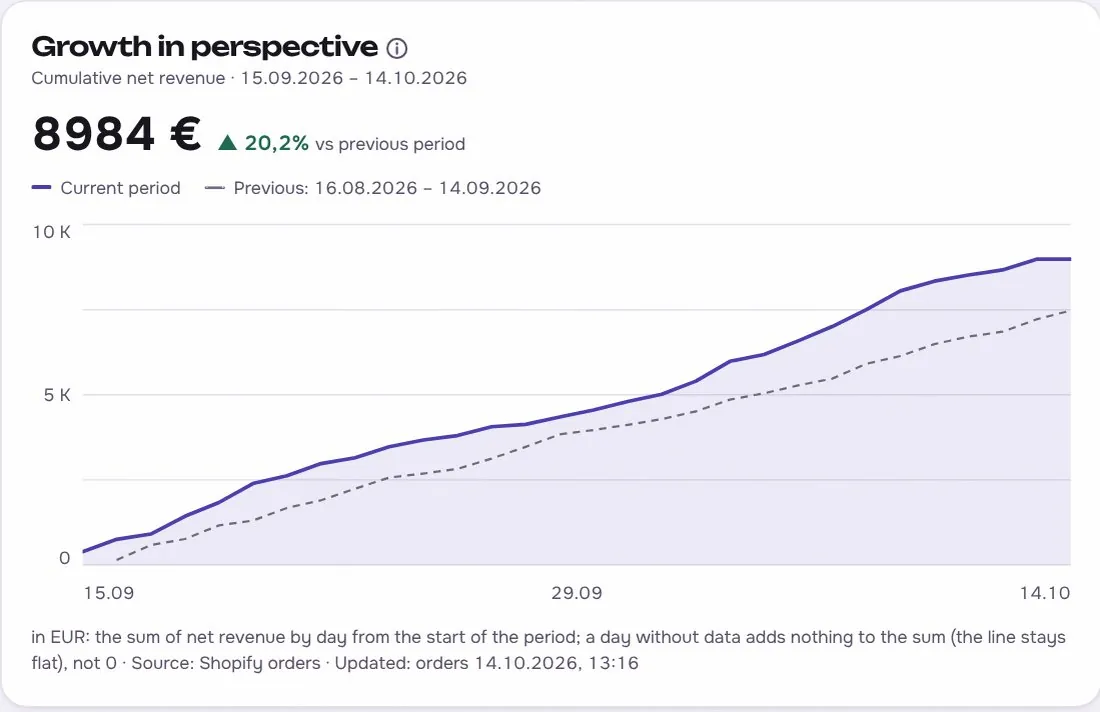
    Ad research app screen with test data
    Step 3Groupexample
  4. 4

    Brief

    Turn a pattern into a creative brief.

    Step 4Briefexample
5In use

Built for businesses like these. Example scenes.

Photos are stock images that show the kind of business this is built for. They are examples, not customers.
Examplea creator studio
Examplea small team
Examplean online shop
Examplea creator studio

Stock photos and example labels, not customers.

6In practice

Common mistakes, and a short checklist.

General practice for this kind of work, not a claim about any one tool.

Mistake

Copying a competitor's ad as proof

A running ad is not proof that it works, since many ads are tests or old ads nobody has reviewed. Ask what the ad is for and what you can actually see before you borrow the idea.

Mistake

Collecting without a question

A folder of screenshots answers nothing. Write the question first, such as which hooks the category uses, and collect only what answers it.

Mistake

Using old research as current

Ads and offers change often, so a capture from months ago describes the past. Date every capture and repeat the research before a brief is signed off.

A short checklist

Your ticks stay in this browser only.

7Honest limits

What it will not claim, and what it works with.

What it will not claim

  • Ad libraries do not show competitor spend, CTR or ROAS, and the tool never shows invented numbers.
  • A long running ad is a sign of testing, not proof of profit.
  • Meta's library covers social and political ads globally and ads delivered in the EU or UK in the last year, with reach given as ranges. TikTok and Google have different coverage.

Works with

Connections are read-only first and go live only after the platform access is approved.

Built: the connector exists in the product and goes live per account once access is granted. Planned: not built yet.

Used instead of

Teams often use tools such as Foreplay or Atria for this. Our comparison pages are drafts being verified.

10FAQ

Questions about ad research.

Can it show competitor spend and ROAS?

No tool can honestly do that. Official libraries give creatives, dates and placements, and reach ranges where they publish them.

Does it scrape ads?

The product is built on official libraries and each source has its own adapter. It does not promise hidden competitor metrics.

Can I add examples by hand?

Yes. Examples from other markets can be saved with a link and notes.

Run the next client review from one screen.

We open one agency at a time, with your own accounts connected read-only first.