Creative approvals your clients will actually use

Show the client the exact frame, the text, the placement and the date. Collect comments and revisions in one place and see the status of every item.

app.roasfinity.com/launch/approvals-calendar
Approvals and calendar screen in the ROASfinity app, with test data

Floating cards and figures are examples on sample data, not a customer account.

1The proof

Every number comes with its receipt.

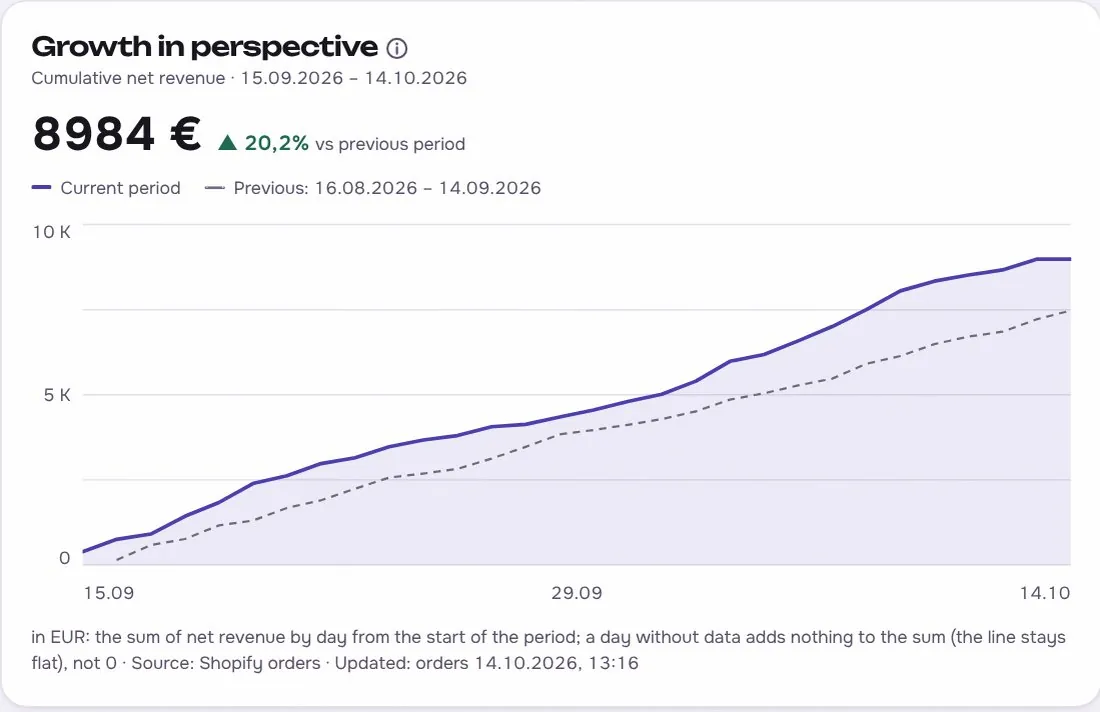
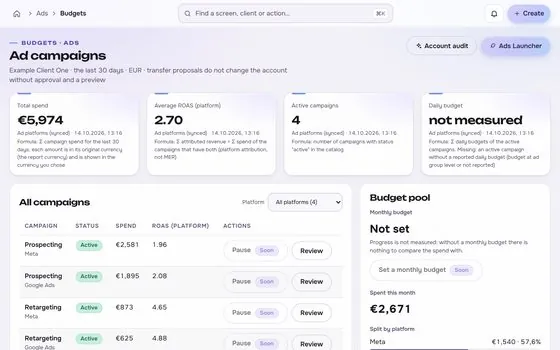
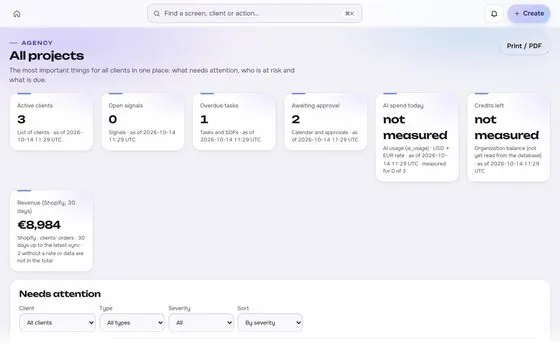
Sample data, fictional brand. This is how Approvals and calendar shows a figure: the value, where it came from, the formula behind it and when it was last updated.

Approvals and calendarSample data, fictional brand
Variant B, ReelsApprovedSource and formulaClient brand leadUpdatedsee source
Variant C, StoriesChanges requestedSource and formulaCopy too longUpdatedsee source
Autumn promoWaitingSource and formulaDue FridayUpdatedsee source

Rule: every number shows its source, formula and update time. A missing source reads "not measured", never 0.

2Part of Launch

Approvals and calendar: what it does.

One of four areas of the product, sharing the same client record, roles and log.

01

The exact thing, not a description

Approvers see precisely what will run, where and when.
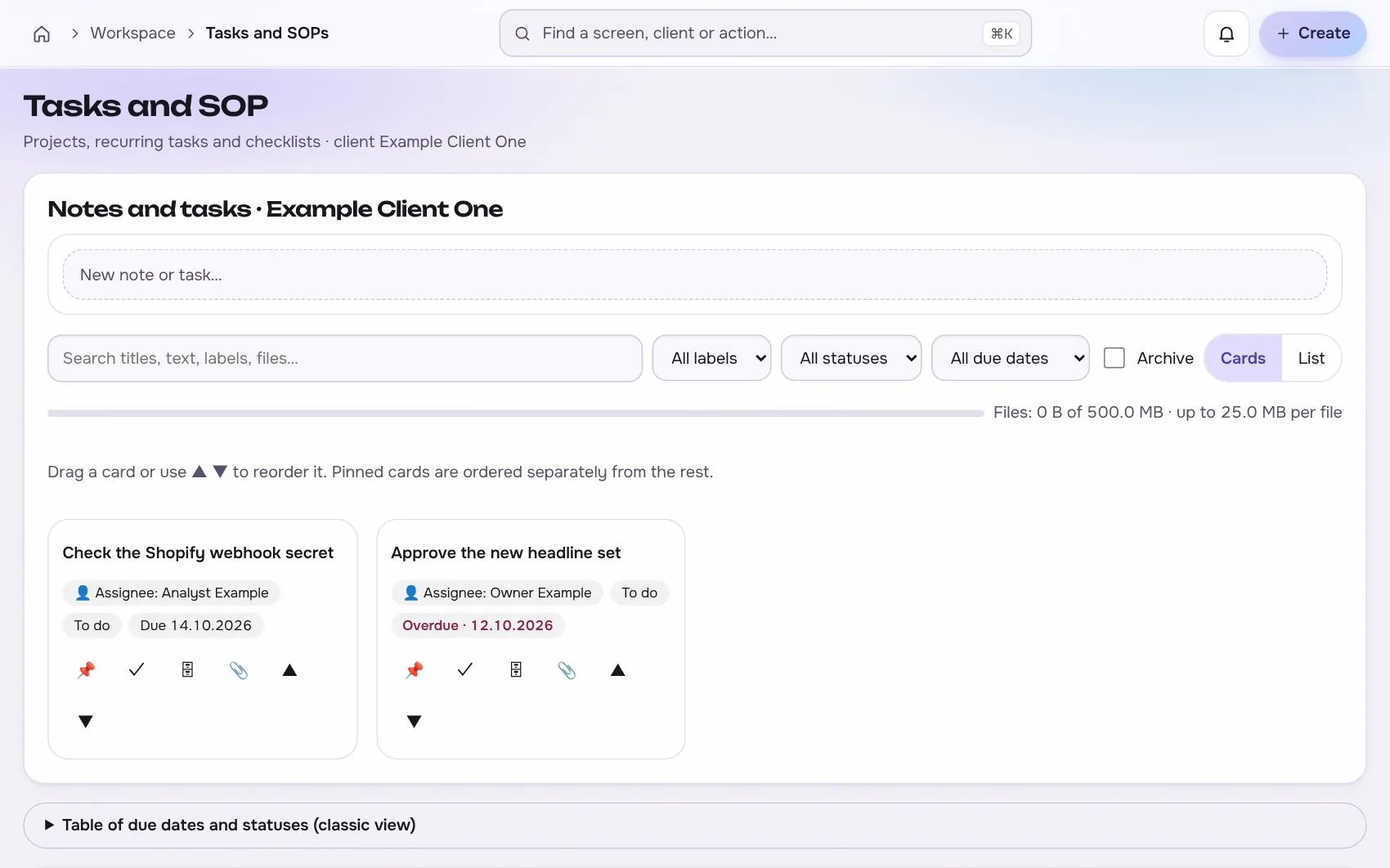
Approvals and calendar in the app, with test data
02

Role-based access

A client approver sees only their own brand and can approve creatives, copy and changes.

03

Publishing only with permission

Nothing is published until a valid approval exists and the platform permissions allow it.

Works with

2 platforms, read-only first

Connections start read-only. Writing is switched on per account, only after you grant the rights.


At a glance

Stated up front

things it does
3
steps start to finish
4
platform connections
2
limits stated
2
3The data path

How the data moves. Source to screen.

Lines draw as you scroll. Platforms on the left are read-only first, Approvals and calendar sits on the one client record, and each output keeps its receipt.

Meta AdsBuilt
WordPressBuilt
ROASfinityApprovals and calendar
The exact thing, not a description
Role-based access
Publishing only with permission

Sources are read first, the numbers are stored once per client, and every output shows its source, formula and update time.

How the work moves in Launch

The same four moves apply to every module in this area.

  1. 1 ProposeA change is writtenWho, what and why, as a proposal.
  2. 2 PreviewExactly what will changeObject, before and after, and the cost, before anything is sent.
  3. 3 ApproveA person says yesApproval is recorded, and sending uses an idempotency key so a retry cannot repeat it.
  4. 4 Read backCompare with the intentThe platform is read again and the result is logged, including any difference.
4The routine

How it works, step by step.

From first connection to the number a client sees.

  1. 1

    Submit

    Add the creative, copy, placement and date to the calendar.

    Approvals and calendar app screen with test data
    Step 1Submitexample
  2. 2

    Review

    The client comments or approves with a clear status.

    Step 2Reviewexample
  3. 3

    Revise

    Each revision keeps its history.

    Approvals and calendar app screen with test data
    Step 3Reviseexample
  4. 4

    Release

    Approved items move to the launcher.

    Step 4Releaseexample
5In use

Built for businesses like these. Example scenes.

Photos are stock images that show the kind of business this is built for. They are examples, not customers.


Examplean online shop
Examplea creator studio
Examplean online shop
Examplea cafe or local shop

Stock photos and example labels, not customers.

6In practice

Common mistakes, and a short checklist.

General practice for this kind of work, not a claim about any one tool.

Mistake

Approving from a chat message

An answer in a chat is hard to find later. Record approve, change or reject with a name, a time and the version.

Mistake

Reusing an approval after an edit

Any edit needs a new approval, or the approved version is not the live one.

Mistake

No deadline

Say what happens when nobody answers, and agree it with the client in writing.

A short checklist

Your ticks stay in this browser only.

7Honest limits

What it will not claim, and what it works with.

What it will not claim

  • Scheduling depends on what each platform allows through its API.
  • Approval records who approved what, but it does not replace a legal sign-off where one is required.

Works with

Connections are read-only first and go live only after the platform access is approved.

Built: the connector exists in the product and goes live per account once access is granted. Planned: not built yet.

Used instead of

No single tool replaces this module; it connects work that is usually split across several.

10FAQ

Questions about approvals and calendar.

Can clients log in?

Yes, with a client approver role. Another client's data is never visible and returns not found.

Is there an audit trail?

Every approval, revision and comment is stored with author and time, and appears in the change log.

Does it replace our project tool?

It covers approvals and the calendar. Tasks and checklists live in the tasks module.

Run the next client review from one screen.

We open one agency at a time, with your own accounts connected read-only first.