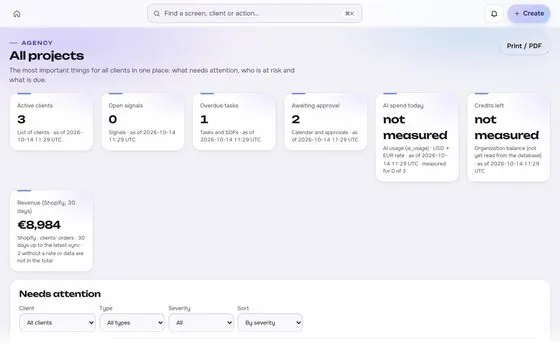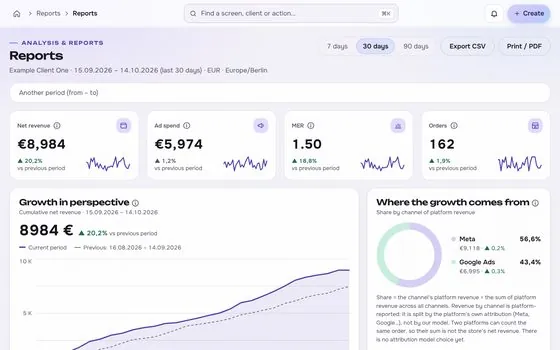

An MCP server with the same rules as the web app

Assistants read metrics, draft batches and preview changes through MCP, and can run an approved change only with the same permissions, limits and log as a person.

app.roasfinity.com/operate/mcp
MCP for AI assistants screen in the ROASfinity app, with test data

Floating cards and figures are examples on sample data, not a customer account.

1The proof

Every number comes with its receipt.

Sample session, fictional brand. This is how MCP for AI assistants shows a figure: the value, where it came from, the formula behind it and when it was last updated.

MCP for AI assistantsSample session, fictional brand
query_metricsMER, 30 daysSource and formula3.42 with formula and timeUpdatedsee source
draft_ad_batch3 ads, pausedSource and formulaDraft onlyUpdatedsee source
execute_approved_changeWithout approvalSource and formulaRefused: approval requiredUpdatedsee source

Rule: every number shows its source, formula and update time. A missing source reads "not measured", never 0.

2See it move

Channels light up one by one.

Each connector starts read-only. Built ones light up here, planned ones stay dim until they exist.

6 of 9 channels connected read-only, the rest planned. Example of 9 channels: 6 have a built connector that goes live per account once the platform grants access, 3 are planned and not built. 14 connectors are built in all.
3Part of Operate

MCP for AI assistants: what it does.

One of four areas of the product, sharing the same client record, roles and log.

01

Same identity and permissions

An assistant acts as a person with a role, a client scope and rate limits, and cannot do more than that role can.
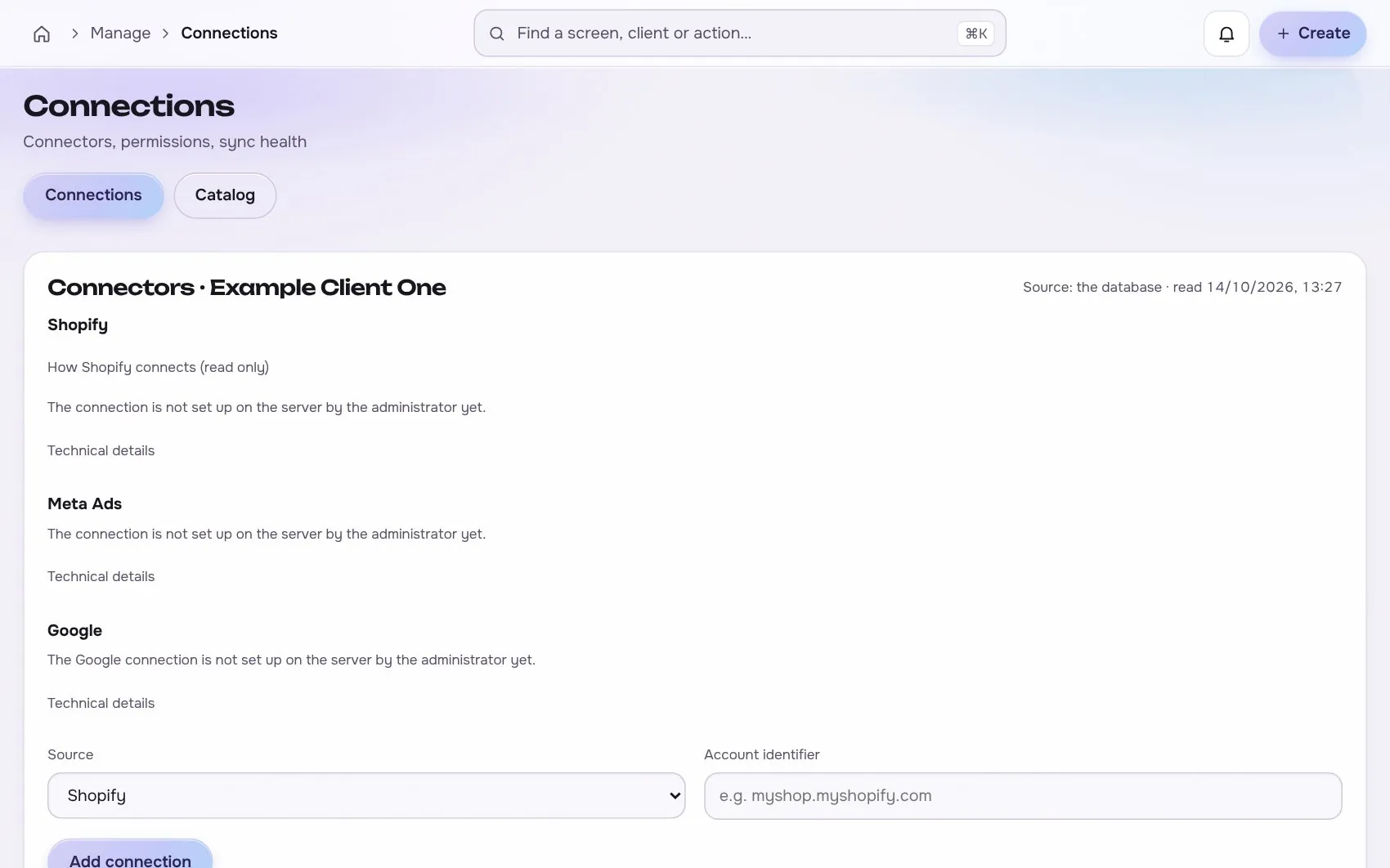
MCP for AI assistants in the app, with test data
02

Read, then draft, then execute

Read tools come first. Draft and preview follow. Execute exists only for changes that have been approved.

03

No raw HTTP tool

There is no tool that exposes your tokens or sends arbitrary requests.

Works with

1 platform, read-only first

Connections start read-only. Writing is switched on per account, only after you grant the rights.

At a glance

Stated up front

things it does
3
steps start to finish
4
platform connections
1
limits stated
2
4The data path

How the data moves. Source to screen.

Lines draw as you scroll. Platforms on the left are read-only first, MCP for AI assistants sits on the one client record, and each output keeps its receipt.

RankfinityRead-only first
ROASfinityMCP for AI assistants
Same identity and permissions
Read, then draft, then execute
No raw HTTP tool

Sources are read first, the numbers are stored once per client, and every output shows its source, formula and update time.

How the work moves in Operate

The same four moves apply to every module in this area.

  1. 1 CaptureFrom the work itselfTasks start from comments, results, approvals and requests.
  2. 2 AssignRoles and ownersOne owner per task, and clients only see what they should.
  3. 3 TrackStatus in one recordDue dates, SOP steps and approvals sit with the client record.
  4. 4 LogNothing is lostEvery change is written to a log that cannot be edited afterwards.
5The routine

How it works, step by step.

From first connection to the number a client sees.

  1. 1

    Connect over HTTP

    Add the server to your assistant.

    MCP for AI assistants app screen with test data
    Step 1Connect over HTTPexample
  2. 2

    Read

    List clients, query metrics, inspect campaigns, search the library.

    Step 2Readexample
  3. 3

    Draft and preview

    Prepare an ad batch or a change and see the exact diff.
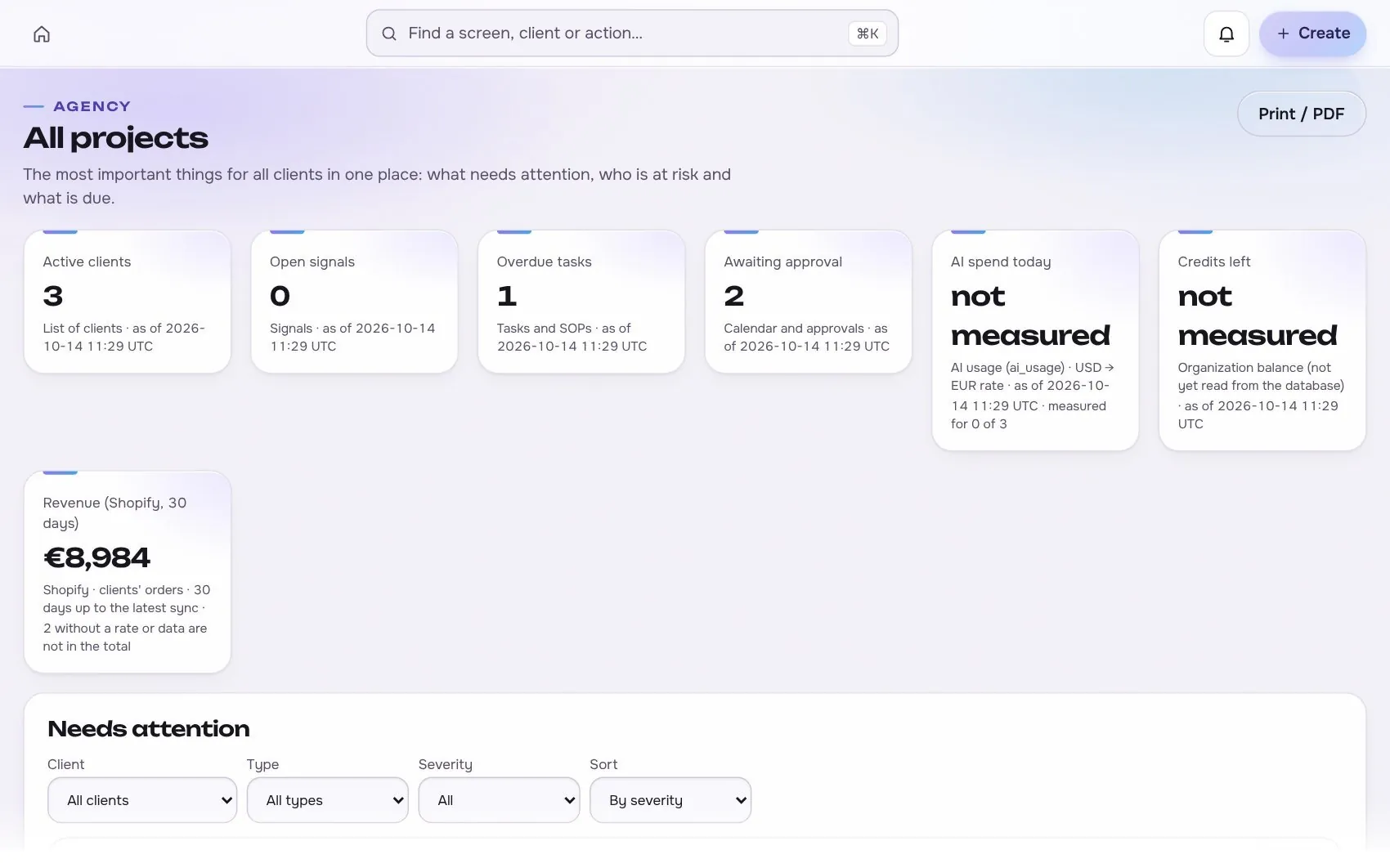
    MCP for AI assistants app screen with test data
    Step 3Draft and previewexample
  4. 4

    Execute when approved

    An approved change runs once, is read back and is logged.

    Step 4Execute when approvedexample
6In use

Built for businesses like these. Example scenes.

Photos are stock images that show the kind of business this is built for. They are examples, not customers.


Examplea small team
Examplea cafe or local shop
Examplea small team
Examplea creator studio

Stock photos and example labels, not customers.

7In practice

Common mistakes, and a short checklist.

General practice for this kind of work, not a claim about any one tool.

Mistake

Starting with write access

Connect read-only first and widen access for a reason you can write down.

Mistake

One connection for every client

Scope each connection to the clients it needs so data does not cross.

Mistake

No review of old connections

List connections each quarter and remove what nobody can explain.

A short checklist

Your ticks stay in this browser only.

8Honest limits

What it will not claim, and what it works with.

What it will not claim

  • Documents, comments and web pages that an assistant reads are treated as data, never as instructions.
  • The tool set grows with the connectors, so write tools exist only where a connector supports them.

Works with

Connections are read-only first and go live only after the platform access is approved.

Built: the connector exists in the product and goes live per account once access is granted. Planned: not built yet.

Used instead of

No single tool replaces this module; it connects work that is usually split across several.

11FAQ

Questions about mcp for ai assistants.

Which assistants work?

Any MCP client, for example Claude or Codex, over the HTTP transport.

Can an assistant spend my budget?

Only through an approved change with the same limits as a person. Nothing runs without approval.

How does it relate to the Rankfinity MCP?

It can federate it, so SEO results are attached to the same client and site.

Run the next client review from one screen.

We open one agency at a time, with your own accounts connected read-only first.