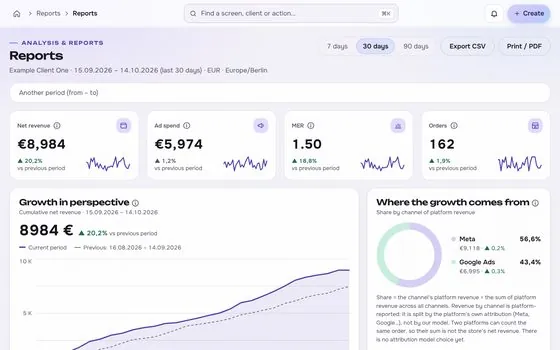
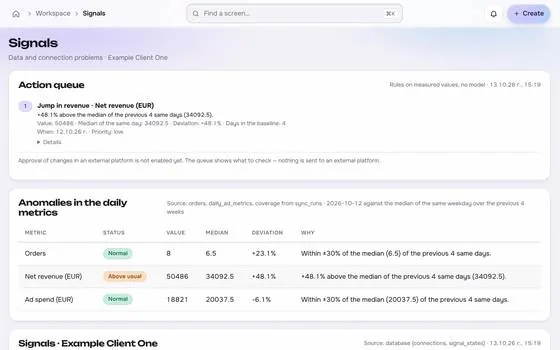
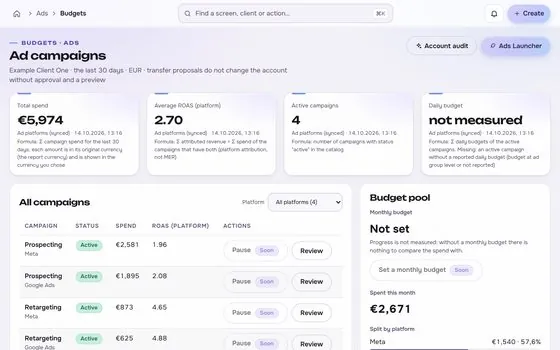
A change log that explains what happened

Every change is stored with its before and after, who made it, why, when, what the platform answered and what happened afterwards.

app.roasfinity.com/launch/change-log
Change log screen in the ROASfinity app, with test data

Floating cards and figures are examples on sample data, not a customer account.

1The proof

Every number comes with its receipt.

Sample data, fictional brand. This is how Change log shows a figure: the value, where it came from, the formula behind it and when it was last updated.

Change logSample data, fictional brand
Daily budgetEUR 120 to EUR 150Source and formulaApproved by an adminUpdatedsee source
Read-backMatches the previewSource and formulachg_2214Updatedsee source
After 7 daysCPA under targetSource and formulaObservation, not proofUpdatedsee source

Rule: every number shows its source, formula and update time. A missing source reads "not measured", never 0.

2Part of Launch

Change log: what it does.

One of four areas of the product, sharing the same client record, roles and log.

01

Our events and the platform's

Your own changes sit next to the platform history that is available, such as Google Ads change events from the last 30 days.
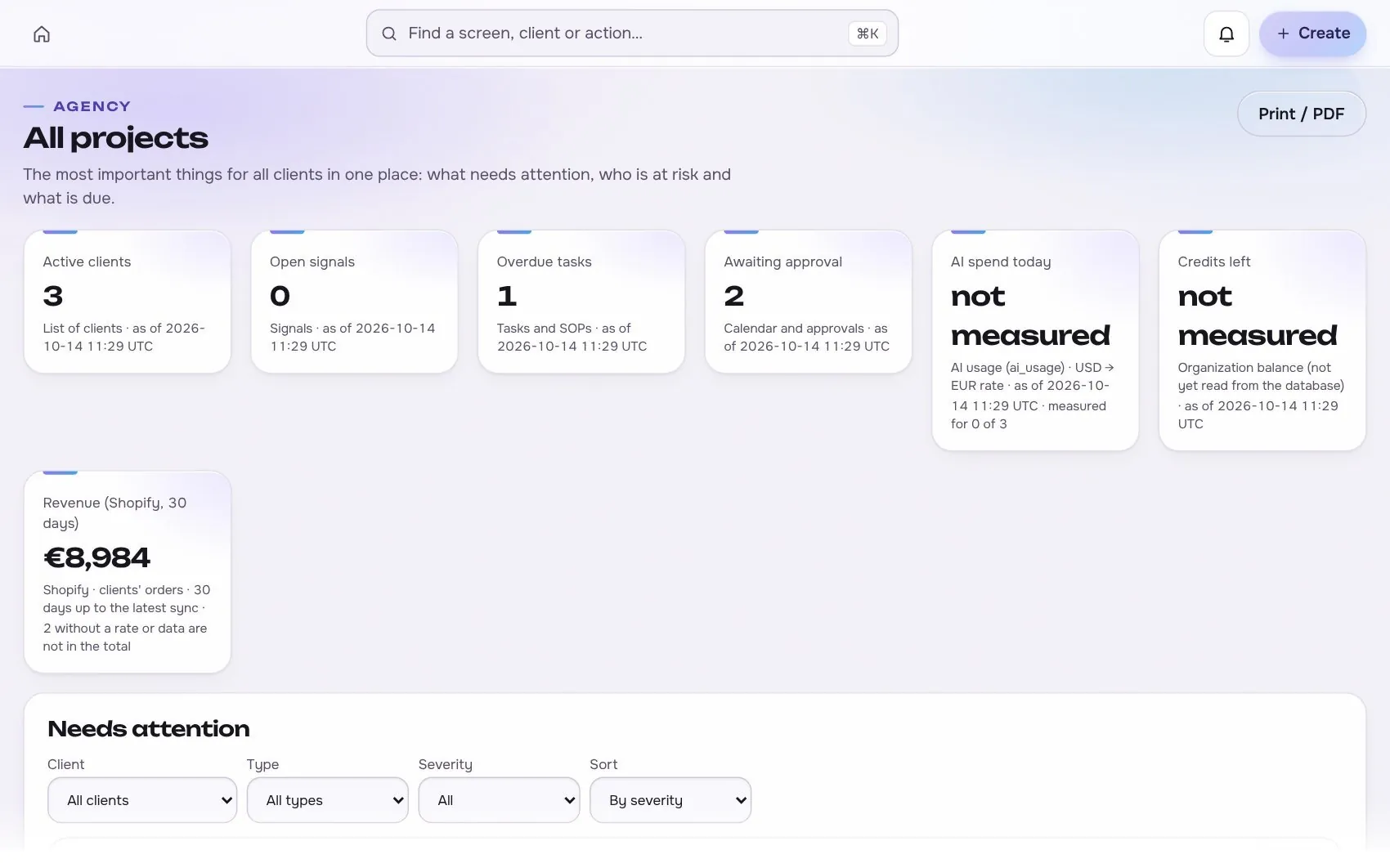
Change log in the app, with test data
02

Honest about cause

A drop after a change is an observation. The log adds context, season and a comparison period.

03

Failure is logged too

Failed and partial changes are recorded, and a failure raises a signal.

Works with

2 platforms, read-only first

Connections start read-only. Writing is switched on per account, only after you grant the rights.


At a glance

Stated up front

things it does
3
steps start to finish
4
platform connections
2
limits stated
2
3The data path

How the data moves. Source to screen.

Lines draw as you scroll. Platforms on the left are read-only first, Change log sits on the one client record, and each output keeps its receipt.

Meta AdsBuilt
Google AdsBuilt
ROASfinityChange log
Our events and the platform's
Honest about cause
Failure is logged too

Sources are read first, the numbers are stored once per client, and every output shows its source, formula and update time.

How the work moves in Launch

The same four moves apply to every module in this area.

  1. 1 ProposeA change is writtenWho, what and why, as a proposal.
  2. 2 PreviewExactly what will changeObject, before and after, and the cost, before anything is sent.
  3. 3 ApproveA person says yesApproval is recorded, and sending uses an idempotency key so a retry cannot repeat it.
  4. 4 Read backCompare with the intentThe platform is read again and the result is logged, including any difference.
4The routine

How it works, step by step.

From first connection to the number a client sees.

  1. 1

    Propose

    A person, a rule or the assistant drafts a change.

    Change log app screen with test data
    Step 1Proposeexample
  2. 2

    Preview and approve

    The exact diff and cost impact are shown to an approver.

    Step 2Preview and approveexample
  3. 3

    Send once

    An idempotency key stops a retry from doubling it.
    Change log app screen with test data
    Step 3Send onceexample
  4. 4

    Read back and record

    The new state is read from the platform and stored.

    Step 4Read back and recordexample
5In use

Built for businesses like these. Example scenes.

Photos are stock images that show the kind of business this is built for. They are examples, not customers.


Examplean online shop
Examplea creator studio
Examplean online shop
Examplea small team

Stock photos and example labels, not customers.

6In practice

Common mistakes, and a short checklist.

General practice for this kind of work, not a claim about any one tool.

Mistake

Logging only the result

Record the before and after values, the reason, the proposer and the approver.

Mistake

Leaving out small changes

Small edits are often the cause of a movement. Log every change that touches spend or delivery.

Mistake

Keeping the log in a place nobody opens

Link rows from the report so the log is read in the review.

A short checklist

Your ticks stay in this browser only.

7Honest limits

What it will not claim, and what it works with.

What it will not claim

  • External platform history is limited to what each API exposes.
  • The log records changes made through the system plus the history the platforms provide, not edits made elsewhere that no API reports.

Works with

Connections are read-only first and go live only after the platform access is approved.

Built: the connector exists in the product and goes live per account once access is granted. Planned: not built yet.

Used instead of

No single tool replaces this module; it connects work that is usually split across several.

10FAQ

Questions about change log.

Does the log cover AI assistants?

Yes. Changes proposed through an assistant go through the same preview, approval and log as changes made by a person.

How long is it kept?

Normalised facts are kept for the history. Raw API payloads are kept for a limited time.

Can a change be undone?

Where the platform allows it, an undo is itself a proposed change with its own approval.

Run the next client review from one screen.

We open one agency at a time, with your own accounts connected read-only first.