Turn ad comments into themes and briefs

Read what people ask and object to under your own content, grouped by meaning with tone and priority, and send a theme straight to a brief.

app.roasfinity.com/create/comments-insider
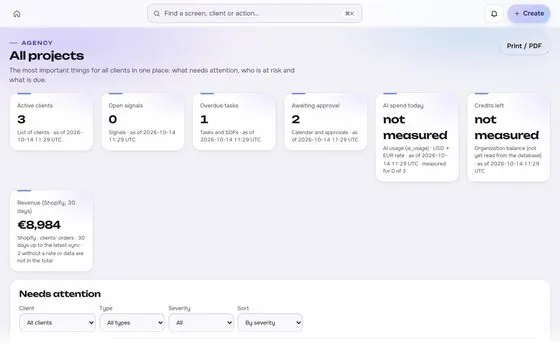
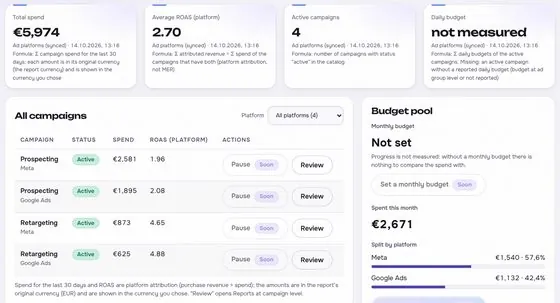
Comments insider screen in the ROASfinity app, with test data

Floating cards and figures are examples on sample data, not a customer account.

1The proof

Every number comes with its receipt.

Sample data, fictional brand. This is how Comments insider shows a figure: the value, where it came from, the formula behind it and when it was last updated.

Comments insiderSample data, fictional brand
Shift workersDo these work for night shifts?Source and formulaUnder cr_1042Updatedsee source
TasteIs it very sweet?Source and formulaUnder cr_1051Updatedsee source
DeliveryHow long to deliver?Source and formulaUnder cr_1060Updatedsee source

Rule: every number shows its source, formula and update time. A missing source reads "not measured", never 0.

2Part of Create

Comments insider: what it does.

One of four areas of the product, sharing the same client record, roles and log.

01

Themes, not a wall of text

Similar questions are grouped, so ten comments about shift work become one theme.
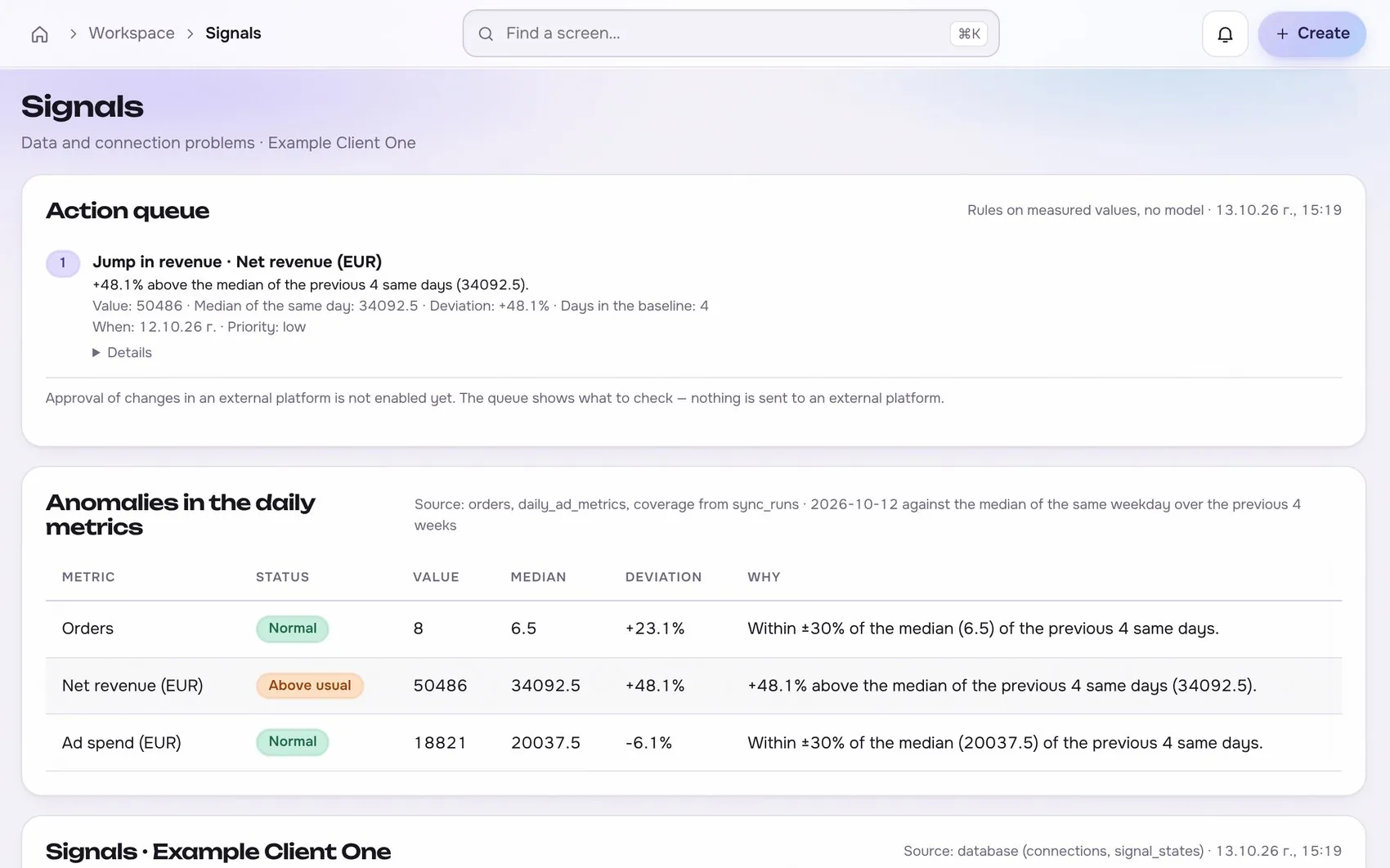
Comments insider in the app, with test data
02

Linked back to the ad

Each theme keeps links to its comments and the creative that triggered them.

03

Suggested replies

Draft replies for a person to edit and approve.

Works with

2 platforms, read-only first

Connections start read-only. Writing is switched on per account, only after you grant the rights.


At a glance

Stated up front

things it does
3
steps start to finish
4
platform connections
2
limits stated
2
3The data path

How the data moves. Source to screen.

Lines draw as you scroll. Platforms on the left are read-only first, Comments insider sits on the one client record, and each output keeps its receipt.

Meta AdsBuilt
TikTok AdsPlanned
ROASfinityComments insider
Themes, not a wall of text
Linked back to the ad
Suggested replies

Sources are read first, the numbers are stored once per client, and every output shows its source, formula and update time.

How the work moves in Create

The same four moves apply to every module in this area.

  1. 1 BriefFrom real signalsComments, results and research feed the brief, with the source kept.
  2. 2 GenerateVersions keptEvery prompt, model, version and cost is stored and comparable.
  3. 3 ReviewComment and approvePeople review in the same place the work lives, with roles.
  4. 4 Hand offNever publishes itselfOutput goes to launch as a proposal, not straight to a live account.
4The routine

How it works, step by step.

From first connection to the number a client sees.

  1. 1

    Collect

    Comments come from permitted Page, Instagram and TikTok sources.

    Comments insider app screen with test data
    Step 1Collectexample
  2. 2

    Group

    Comments are clustered by meaning, objection and tone.

    Step 2Groupexample
  3. 3

    Prioritise

    Sort by volume, tone and the spend behind the ad.
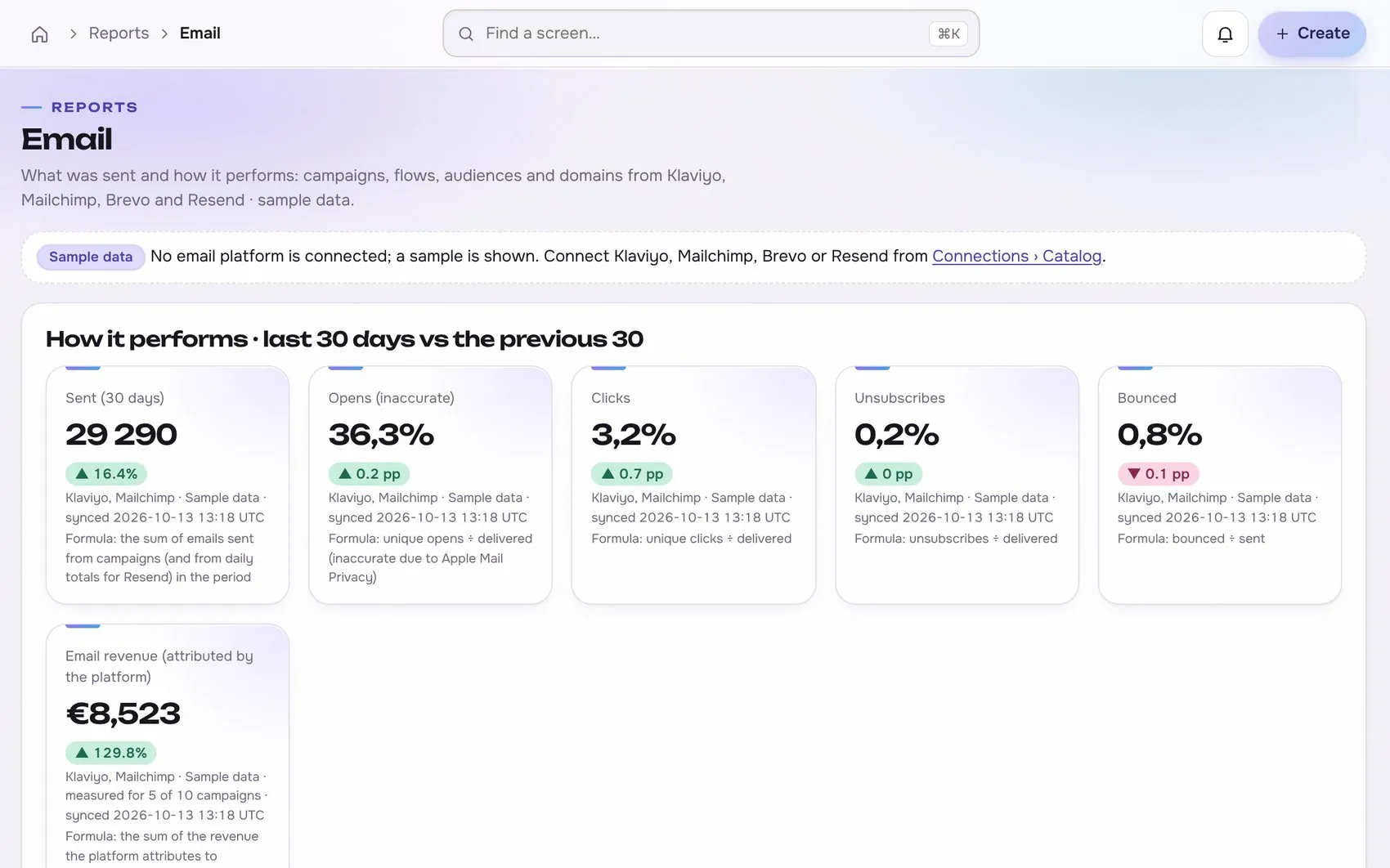
    Comments insider app screen with test data
    Step 3Prioritiseexample
  4. 4

    Act

    Create a brief, reply, or open a task.

    Step 4Actexample
5In use

Built for businesses like these. Example scenes.

Photos are stock images that show the kind of business this is built for. They are examples, not customers.


Examplea creator studio
Examplea small team
Examplea cafe or local shop
Examplean online shop

Stock photos and example labels, not customers.

6In practice

Common mistakes, and a short checklist.

General practice for this kind of work, not a claim about any one tool.

Mistake

Deleting criticism instead of answering it

Removing a complaint hides a signal you need and can make the problem louder. Reply once, calmly, and move the detail to a private channel when it is needed.

Mistake

Mixing internal notes with public replies

A note about a client's budget or a slow approval can end up in front of the client. Keep internal commentary and public replies in separate places.

Mistake

No agreed response time

Without a target, replies wait until someone remembers them. Agree on a response window and an escalation owner for each client.

A short checklist

Your ticks stay in this browser only.

7Honest limits

What it will not claim, and what it works with.

What it will not claim

  • Coverage depends on the permissions the platforms grant. Private messages are not promised.
  • Comments are treated as data. They never give instructions to the system.

Works with

Connections are read-only first and go live only after the platform access is approved.

Built: the connector exists in the product and goes live per account once access is granted. Planned: not built yet.

Used instead of

No single tool replaces this module; it connects work that is usually split across several.

9FAQ

Questions about comments insider.

Which platforms are covered?

Permitted Page, Instagram and TikTok sources, according to the access that is actually approved.

Does it reply automatically?

No. Replies are drafts for a person to approve.

Is customer data safe?

Search picks relevant excerpts and checks permissions before anything reaches a model, and outputs show their sources.

Run the next client review from one screen.

We open one agency at a time, with your own accounts connected read-only first.