WordPress integration

Work with content on WordPress sites through the REST API, starting with drafts.

Stock photos and example labels, not customers.

How the data moves

From WordPress to your report. Back only with a yes.

The top row is reading, which is all a new connection does. The bottom row is writing, switched on per account only after you grant the rights.

  1. WordPressReads posts, pages, media and taxonomies
  2. 🔑Token vaultRead-only token, encrypted on the server
  3. One recordStored per client, with currency and time zone kept
  4. ▦Your reportSource, formula and sync time on every number
  5. ✎ProposalA change such as: drafts, publishing and media, where the account allows it
  6. ✓Preview and yesBefore and after, then a person with the right role approves
  7. ⎙Written onceAn idempotency key, so a retry cannot repeat the change
  8. ↻Read back, loggedWordPress is read again, compared and logged
Read: on by default, read-onlyWrite: off until you grant it, then every change needs approval

WordPress in daily use

01

What it reads first

Posts, pages, media and taxonomies

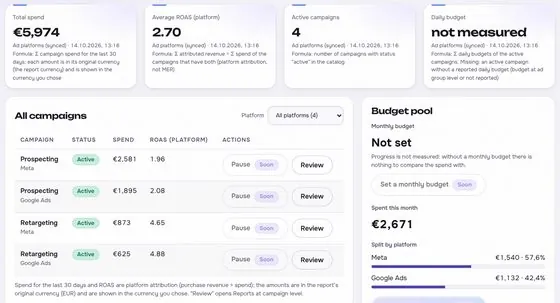
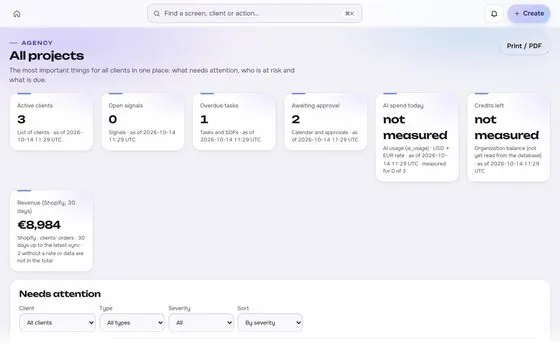
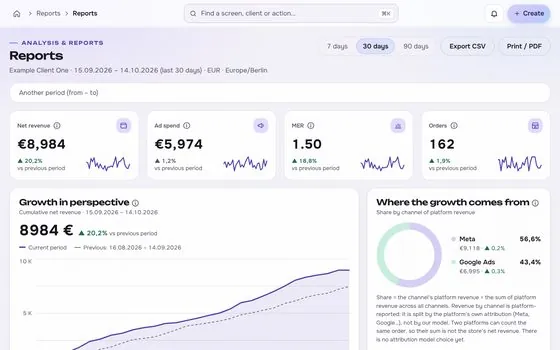
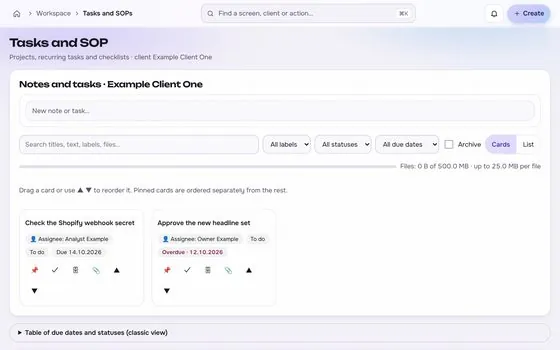
What it reads first, shown on an app screen with test data
02

What it can change, after a yes

Drafts, publishing and media, where the account allows it

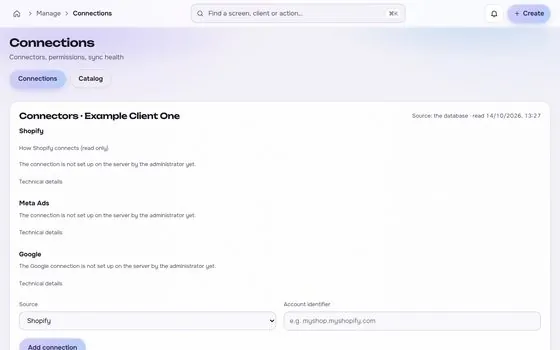
What it can change, after a yes, shown on an app screen with test data

Photos are stock images. App screens show test data.

In numbers

1things it reads
1things it can change, after approval
1things you need to connect
1limits stated

WordPress: reads, writes and limits

  • Posts, pages, media and taxonomies
  • Drafts, publishing and media, where the account allows it

Always after preview and approval.

  • The REST API and an application password or a suitable OAuth layer
  • Page builders such as Elementor and custom fields often need site specific integration, so universal editing of every design is not promised.

Before you connect

Your ticks stay in this browser only.

Common data differences

General practice, not a claim about any one account.

Difference

Caching and page speed plugins

Caching can serve an old copy of a page. Tracking code may then run less often than the page loads, and traffic can look lower than it really was. Check the caching setup before you compare site analytics with other sources.

Difference

Duplicate tracking and form conversions

Two plugins that both add tracking code can count the same visit or sale twice, or one can block the other. A form conversion may be counted in one tool and not in another, depending on how the form sends its data.

Difference

Time zone and scheduled publishing

A post can be scheduled in one time zone and shown in another. Publish dates in the site, in analytics and in the ad reports can then point to different days. Use one time zone for dates in every report.


Questions about WordPress

Is the WordPress connection read-only?

It starts read-only. Changes are added only where the platform grants the permission, and each one is previewed, approved, sent once, read back and logged.

Where is the token stored?

In an encrypted vault on the server, never in the browser, in logs or in an AI prompt.

Is the WordPress connector available now?

Not yet. It goes live after the platform access is in place. Request access to be told when it does.

Built for shop owners, creators and agencies. Stock photos, not customers.

Run the next client review from one screen.

We open one agency at a time, with your own accounts connected read-only first.

Request access

How we plan to price it